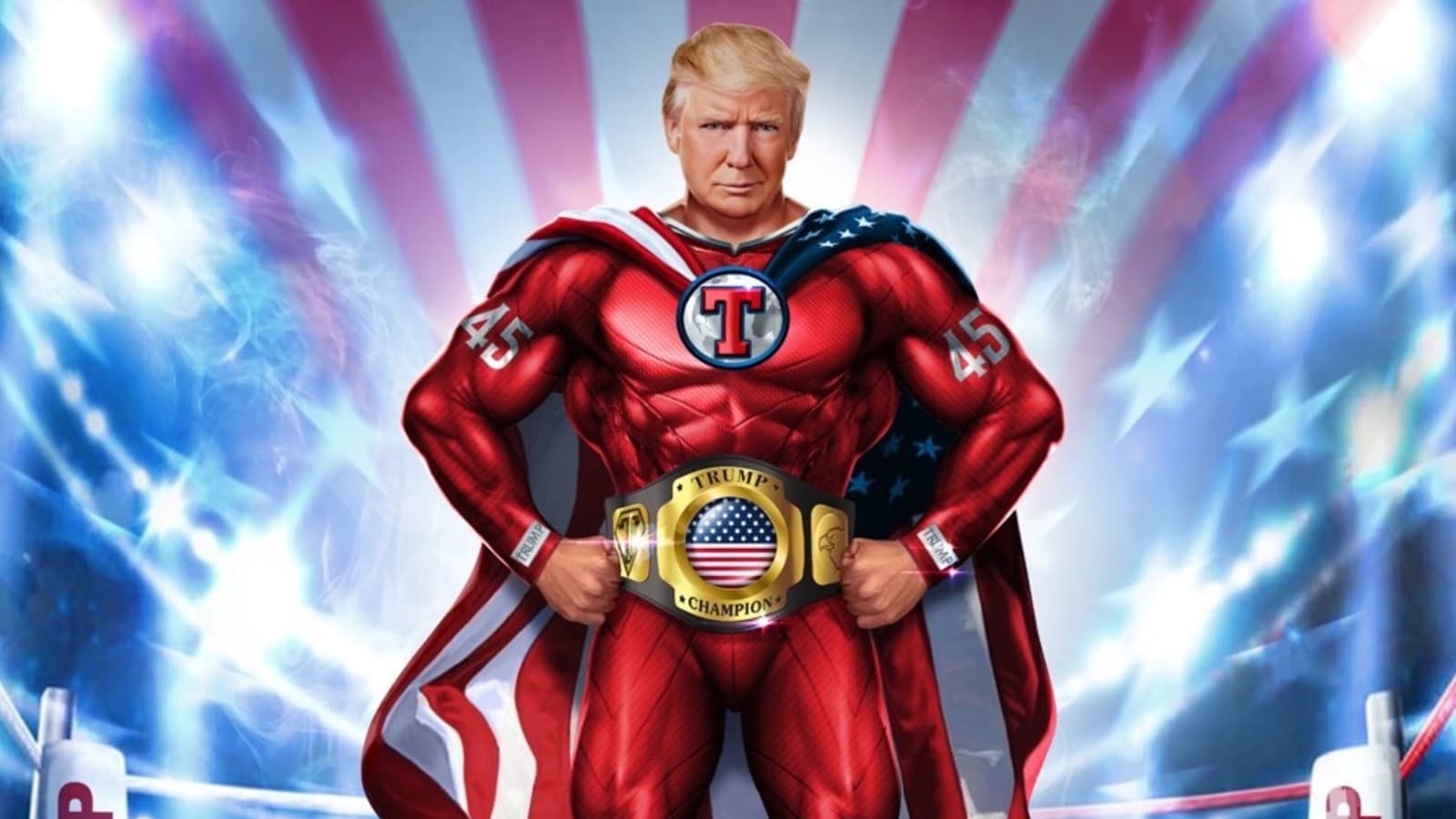
A single NFT can fetch thousands of dollars on crypto markets – take the Bored Ape Yacht Club for example. So, let's learn how to turn a picture into an NFT, in this article.
How To Create An NFT From A Photo
Step 1: Set Up MetaMask
Since many marketplaces only serve as platforms for the trading, selling, and online auction of NFTs, it is necessary to store your NFTs in digital wallets.
MetaMask is a free crypto wallet, and it's popular with crypto enthusiasts because it's compatible with many Ethereum-based store and auction platforms.
To create your MetaMask online wallet, set a username and password. Additionally, you'll need to come up with a seed phrase, which is a group of 12 random words. This phrase can let you access your account if you forget your password or need to install the app on a new device, so don't forget it.
Step 2: Buy Some Cryptocurrency
You will need Ethereum to mint your pictures into NFTs. Ethereum is used to pay minting fees, gas fees for transactions, and purchase prices for NFTs.
You'll need to purchase some cryptocurrency to get started if you don't already have any. However, if you already have cryptocurrency in a cold wallet (a hardware wallet that is not connected to the internet), all you need to do is connect it to your MetaMask wallet and send money there.
Ethereum and other cryptocurrencies can be bought on reputable websites like Binance, Bitkan, and Coinbase.
Step 3: Create An OpenSea Account
Now that you have a crypto wallet, open your OpenSea account to start minting and selling. Connect your MetaMask wallet to OpenSea by clicking on the wallet icon located at the top-right corner of the site page. This will bring up a list of supported cryptocurrency wallet options.
From this list, choose MetaMask, then complete your profile by selecting a username and profile picture. Note that every update needs to be signed through your MetaMask account for the changes to apply.
Step 4: Create Your NFT
Visit the Create page as the first step in creating your NFT on OpenSea. On the homepage's top right, click the "Create" button. This action needs to be approved in your crypto wallet.
This will take you to a screen where you can submit files including photos, videos, and audio clips. Keep in mind that the maximum file size for pictures on OpenSea is 100 MB and that it accepts the following file formats.
- JPG
- PNG
- SVG
- GIFs
There are other fields that you should fill in here to give potential buyers a better idea about your NFT. Give your NFT a name or title, and add relevant details in the description field such as info about unlockable items. You can also include an external link to your portfolio, more information about the NFT, or your primary social media account.
This is also the step where you can choose to place your NFT in a collection and a blockchain to put it in. While you don't need to put your NFTs in a collection, it makes categorization easier. By default, the Supply field will be set to “1”, making it one of a kind.
Many users create their NFTs on the Ethereum blockchain because it's the most popular one. However, you can also put it on other blockchains like Polygon to save on gas fees.
Click the blue “Create” button when you've filled out all the relevant fields and double-checked them. You will then reach a screen showing that you have successfully created your NFT.
Step 5: List your NFT for sale
List your NFT on OpenSea once the minting and wallet initialization processes are complete. The option to choose between fixed pricing and timed auction listings is one of the first things you'll see in the "List Item For Sale" section.
You may easily set a price for your NFT if you choose the fixed price option. With the timed auction, you set a minimum bid and allow interested buyers to bid higher amounts within a set period. If you make the right decisions, you may spread the word about your NFT and make more money than you expected. Prices can be entered in ETH, DAI, or USDC.
You can also set the duration for how long you want your NFT to be up for sale. Choose from one day, three days, a week, or a month. Lastly, you can choose the “more option” section if you plan to reserve your NFT for a specific buyer or sell it in a bundle with other NFTs.
Finally, click the blue “complete listing” button – your photo NFT is now available to buyers on OpenSea!
I hope this guide, "How To Create An NFT From A Photo on OpenSea," can help you to know how to create an NFT on OpenSea.