ZkSync is a Layer 2 solution for scaling the Ethereum network. This article will discuss, "How to add zkSync to MetaMask Wallet? What is zkSync?" Let's get started.
What is zkSync?
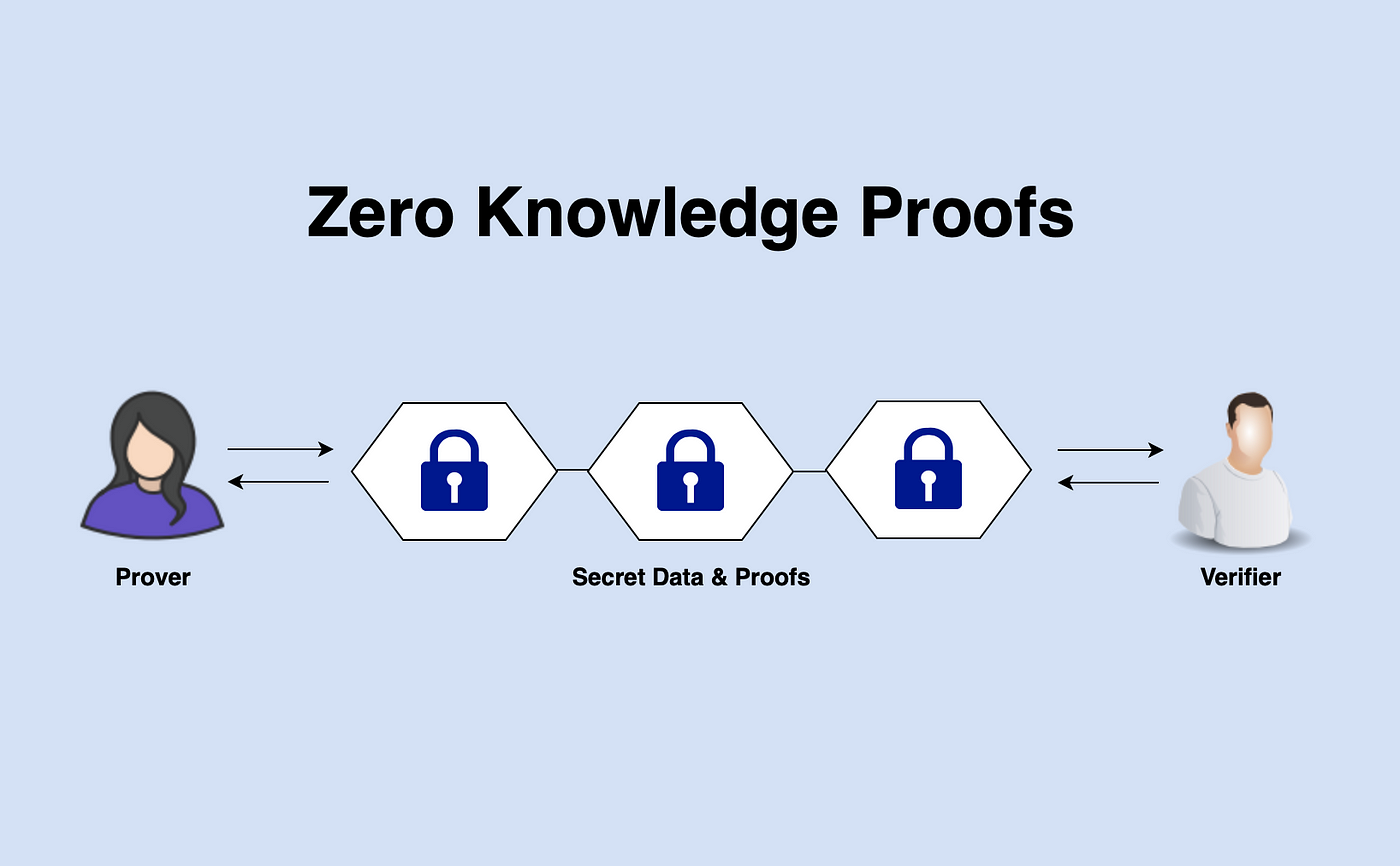
ZkSync is a Layer 2 solution for scaling the Ethereum network. Users of zkSync can transfer ETH and ERC20 tokens instantly without having to wait for on-chain confirmations thanks to zero-knowledge proofs. Zero-knowledge proofs are a way of proving something is true Without revealing any additional information beyond what is being proven.
How to add zkSync to MetaMask Wallet?
Follow the steps listed below, which provide the verified RPC details, to add the zkSync Layer 2 network to your MetaMask account.
- Download the MetaMask browser extension.
- Click the "Add Networks" button on the MetaMask wallet.
- Add the verified zkSync RPC details to this page by copying and pasting (find details below).
- You will connect to the zkSync Network after entering these details and select "Save."
zKSync RPC Details
The RPC details for zkSync Alpha Testnet Network for MetaMask:
Network Name: zkSync alpha testnet
New RPC URL: https://zksync2-testnet.zksync.dev
Chain ID: 280
Currency Symbol (Optional): ETH
Block Explorer URL(Optional): https://zksync2-testnet.zkscan io/
How to add zkSync to MetaMask Wallet? What is zkSync? - Hopefully, this article can help you to get some knowledge.