How to View Past Recharge Records (WEB)
Updated on:
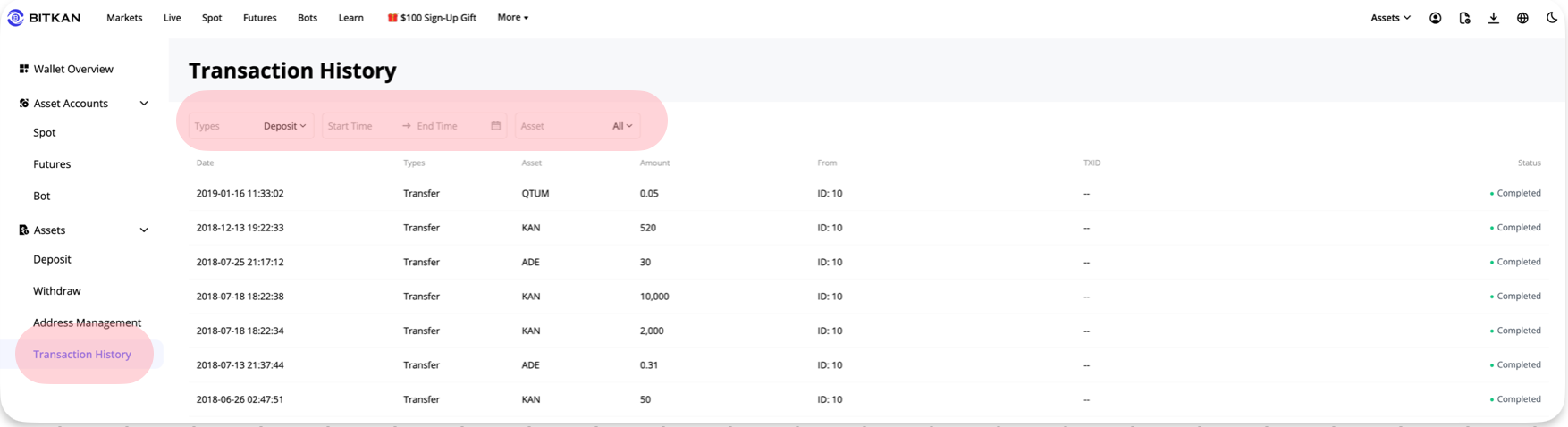
If you want to view past recharge records on the web, you can check them in the history:
1. Log in to the BITKAN official website, click [Wallet] - [Asset Records] in the upper right corner of the page
2. Select [Recharge] in [Type], or specify a time period and currency in [Date] and [Asset] for quick query.